简体中文
剪辑・动画・创作
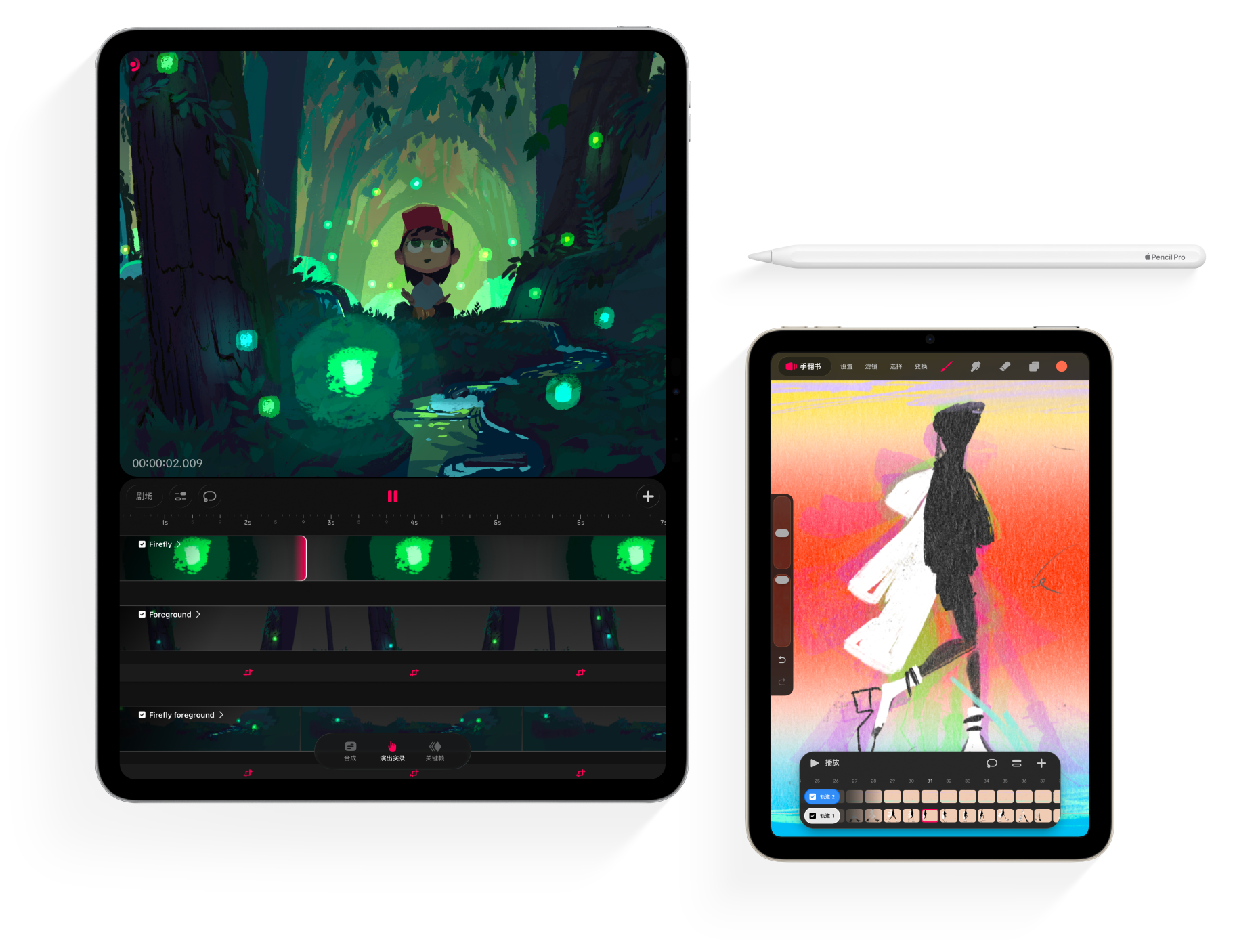
为你的电影增添丰富的纹理和颜色,并用手翻书和洋葱皮逐帧做动画。
Overview of the different interfaces present in Procreate Dreams and how to navigate and use them.
Information about Procreate Dreams' Stage (viewport for your movie) and Canvas (Draw & Paint interface) areas.
Sketch, ink, paint, smudge, and erase with hundreds of versatile brushes.
Information about Flipbook, our multi-track frame-by-frame animation tool. What it is, and how to use it.
Jump right in and start painting to begin an animation. Or add a new track to layer up elements for your animation.
An overview of the settings available in Draw & Paint, the mode for creating Drawings and Flipbooks.
现在任何人都能制作动画。通过我们强大的关键帧和演出实录等工具,让你的动画栩栩如生。
Details about the Timeline and Timeline Modes in Procreate Dreams, and how to navigate and use them.
Information on performing and keyframing content in Procreate Dreams.
Keyframes enable an action to occur between two points in time on your content. Keyframes in Procreate Dreams are a flexible and simple way to animate without needing to draw frame-by-frame.
Performing records keyframes in real-time using gestures. Any action you perform is recorded and appears underneath your content on a keyframe track.
学习如何导入视频和图像,让现实和想象在你的动画中最动人的火花。
Any content you add to Procreate Dreams will appear in a track. You can import a wide variety of image, video, and audio formats into your movies.
Combine images, drawings, video, text, and audio on the Timeline to bring your imagination to life.
Procreate Dreams supports a wide range of image, video, audio, and font formats.
Share your movie from Procreate Dreams using predefined and custom settings.
你可以将带图层的 Procreate 作品(包括在动画辅助中制作的动画)拖放到 Procreate Dreams 中。
你想到的问题,说不定别人也问了;从常见问答集中快速找到解答。
Information about the Multi-select tool, which allows you to modify numerous items at once, either on the Timeline or in Draw & Paint when working on a Flipbook.
Procreate Dreams 旨在支持尽可能多的不同型号的 iPad。
根据你的 iPad 型号,Procreate Dreams一次可以渲染/合成的轨道数量有所限制。
A revolutionary timeline made for animation, with fluid gestures that keep you focused on creating.
Details about the file upgrade process when updating from Procreate Dreams 1 to Procreate Dreams 2.
阅读更多
Information about converting all selected visual content into a Flipbook in Procreate Dreams 2.
如果你找不到想找的内容,可以试着在哔哩哔哩上探索我们的视频资源,或直接联系我们,我们相当乐于提供协助。
全部结果
我们别气馁。看看下方的建议页面或拜访我们的哔哩哔哩主页;或者和我们团队联系 —— 我们非常乐意协助你找到解答。
更多资源,请前往 help.procreate.com